Installing HomeBrew
Paste and run following on MacOS terminal or Linux shell prompt
/bin/bash -c "$(curl -fsSL https://raw.githubusercontent.com/Homebrew/install/master/install.sh)"
Installation NPM and Node.js
Installing Node.js® and NPM is pretty straightforward using Homebrew. Homebrew handles downloading, unpacking and installing Node and NPM on your system. The whole process (after you have Homebrew installed) should only take you a few minutes.
Installation Steps
- Open the Terminal app and type
brew update. This updates Homebrew with a list of the latest version of Node. - **Type
brew install node. - Sit back and wait. Homebrew has to download some files and install them. But that's it.
Test it!
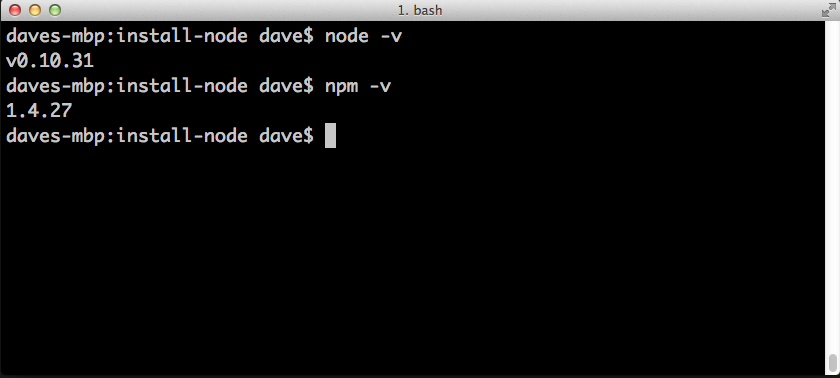
Make sure you have Node and NPM installed by running simple commands to see what version of each is installed:
- Test Node. To see if Node is installed, type
node -vin Terminal. This should print the version number so you'll see something like thisv0.10.31. - Test NPM. To see if NPM is installed, type
npm -vin Terminal. This should print the version number so you'll see something like this1.4.27
How to Update Node and NPM
New versions of Node and NPM come out frequently. You can use Homebrew to update the software it installs.
- Make sure Homebrew has the latest version of the Node package. In Terminal type
brew update - Upgrade Node:
brew upgrade node
How to Uninstall Node and NPM
You can use Homebrew to uninstall packages that it installed:
brew uninstall node
Deepesh Rajpal | c: 98282.38079 | rajpal.deepesh@gmail.com
Comments